A JILIKO Login Problem Starts With One Question: Is the Account Locked?

A JILIKO login problem comes down to one fork: have you typed a wrong password three times? If you have, the account is locked and the Forgot Password popup is the only way back in. If you have not, the cause sits in the ID you chose, a password your browser filled in, or the site you typed into.
JILIKO Login Problem After the Third Wrong Password: The Lock
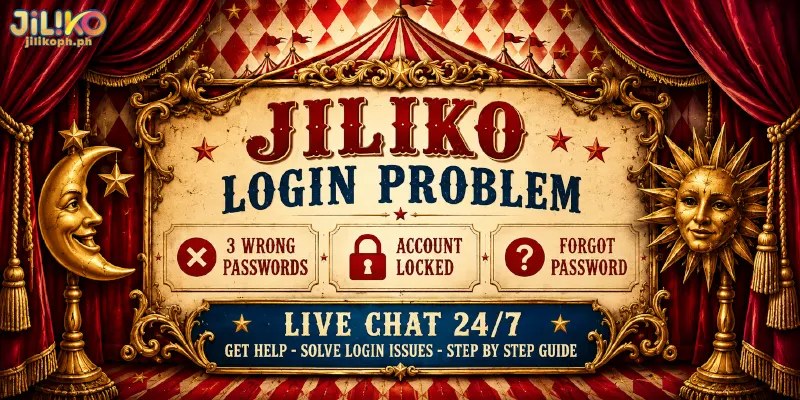
The third wrong password locks the account, and Forgot Password at JILIKO is the single route back. You recognize the lock by the timing: two misses behind you, then a password you are sure of that the login popup keeps refusing.
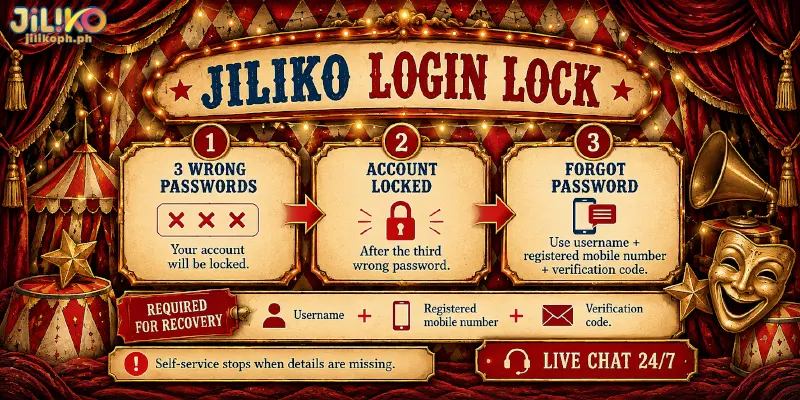
The Forgot Password popup also serves a member who simply cannot recall the password, and asks for the username, the registered number and a Verification Code, never for the old password. A forgotten password alone therefore does not block recovery.
Each of those items marks a place where self-service can end. A forgotten username stops you at the first field, because the Forgot Password popup starts from your Username. A number you no longer hold stops you at the second, because the same popup verifies you through the Mobile Number registered on the account.
So the lock ends at the Forgot Password popup for a member who holds both username and number, and at Live Chat, the chat with customer service, for a member who has lost either, since registered details change only through customer service.
Right Password, Wrong Door: The ID Toggle and the Address Bar
Even with a correct password, a login problem at JILIKO can persist when the ID does not match the toggle on the login popup. The login popup accepts either a Username or a Mobile Number, and the toggle sets which one you mean.
Type your number while the toggle sits on Username, or the reverse, and the login popup refuses a password that is fine. The sign is a rejection on your very first try from a password you are sure about. The fix is to set the toggle to the ID you are typing and enter both fields again.
Look-alike pages are the other wrong door: they copy the login popup, so a password typed there reaches a stranger instead of your account. Read the address bar before typing: anything other than jilikoph.ph means closing the tab, and a password already entered there needs replacing through Forgot Password on the real site.
Until the toggle and the address are confirmed, count each refusal as one of your three tries. Whatever refusal remains points back to the password you typed, or to the one your browser supplied.
Why a Saved Password Can Spend One of Your Three Tries
Another JILIKO login problem can start the day after a password reset, when the browser keeps offering the old password. That feature is autofill, the browser typing a saved login for you, and a wrong password counts toward the lock whether you typed the password or the browser did.
Watch for a form that already looks filled before you touch the keyboard, followed by a refused first try. Take a reset on Monday: on Tuesday the browser fills Monday’s old password, you press Log In, and that is try one. A second press of the same button is try two.
Overwrite or delete the saved entry in the browser’s password manager, then type the new password by hand. You spend a few seconds clearing the entry first, and a third refused fill costs you the lock.
A Popup That Never Opens Is Not a Wrong Password
Not every failed login reaches the password check. Since a login popup that never opens submits nothing, JILIKO has counted no try against you.
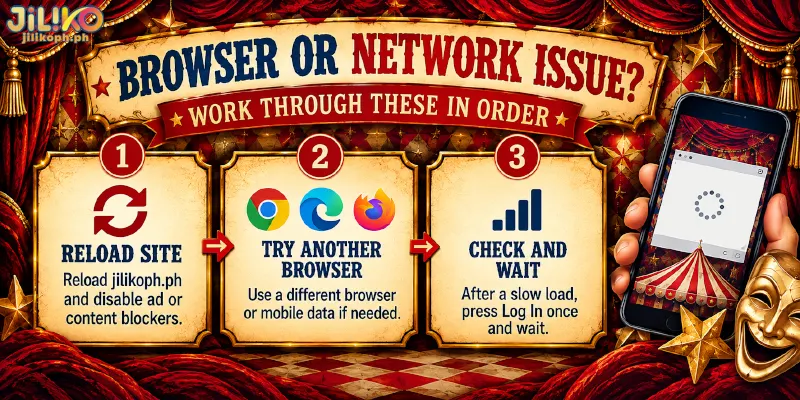
Look for a Log In button that does nothing, a blank popup, or a page stuck on a loading screen: those are the signs of this login problem at JILIKO. If you cannot login to JILIKO for that reason, the cause lies in the browser or the network, not in the account. Work through these in order:
- Reload jilikoph.ph and switch off any ad or content blocker for the site.
- Try another browser, or a mobile connection if the network is the suspect.
- After a slow load, press Log In once and wait, because a second press sends the password again.
An Account on Hold Is Not a Password Problem
If your ID and password are right, no wrong try came before and the popup opens, the login problem at JILIKO is not about the password: the block sits on the account itself. Our Terms & Conditions cover a document review: a passport or driver’s license can be requested, and the account stays on hold until the review ends.
Document reviews are a separate matter from a password lock, so the way forward is Live Chat, not another password attempt. An account with no login for 12 months turns inactive, so say so in the chat if your last login is older than a year.
Where Self-Service Stops and Live Chat Starts
You hand a login problem at JILIKO from self-service to Live Chat when Forgot Password needs something you no longer have: the username, the registered number, or an account that is on hold. Live Chat answers 24/7, and you can also write to [email protected] or call (+63) 917 482 6315. Open the chat with your username and registered number at hand, and lead with the line that matches your case:
- Locked after the third wrong password, and the username or the registered number is lost.
- The registered number is no longer yours.
- The account is on hold after a document request.
- The last login was more than a year ago.